Receipt Scanning Apps in 2025: The Truth About Earning Cash Back
Your grocery receipts are worth money—just not to you, at least not directly. Receipt scanning apps like Fetch, Ibotta, and Receipt Hog pay you a small cut of the value your shopping data holds for market researchers and retailers.
Most consistent users earn between $100 and $300 per year. This guide covers how these apps actually work, what realistic earnings look like across different platforms, and the privacy trade-offs involved in turning your receipts into rewards. If you're looking for more ways to earn automatically, check out our guide to passive income apps.
How receipt scanning apps actually work
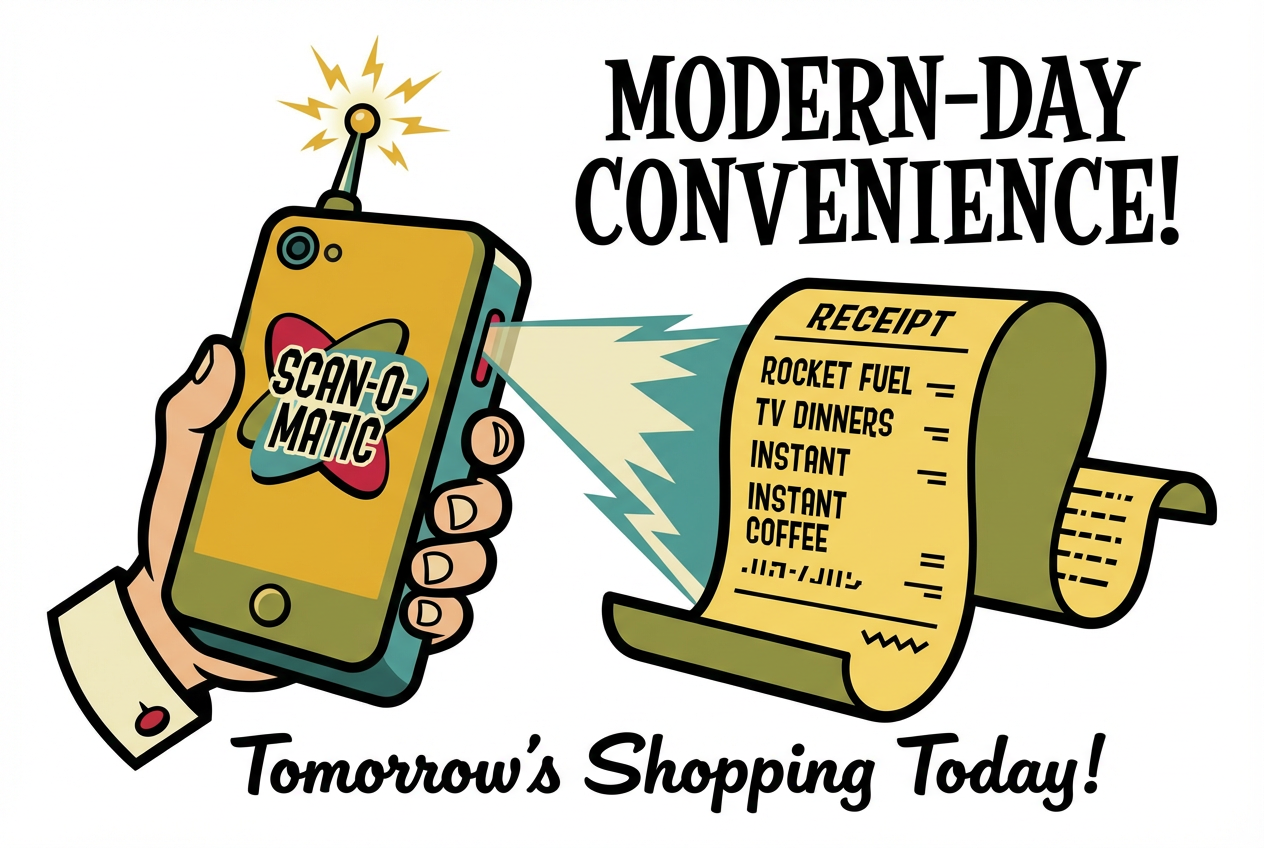
Receipt scanning apps like Fetch, Ibotta, and Receipt Hog turn your paper or digital receipts into cash back, gift cards, or sweepstakes entries. You snap a photo of your receipt through the app, and the platform credits you with points based on what you bought or simply for uploading any receipt at all.
So why do companies pay you for pictures of receipts? The short answer: your shopping data has value. Market research firms and retailers want to know what people buy, where they shop, and how much they spend. Receipt apps collect that information, package it up, and sell the insights. Your reward is a small cut of that value.
Two earning models. Some apps pay you for any receipt regardless of what's on it. Fetch and CoinOut work this way. Others like Ibotta and Checkout 51 require you to activate specific offers before shopping, then only pay out when you buy those particular products. Many apps now blend both approaches.
Automation is growing. Instead of photographing paper receipts, you can link your email account or store loyalty cards to capture e-receipts automatically. This cuts down on the manual work, though it also expands the data you're sharing beyond just receipts.
What you can realistically earn
Here's the honest picture: most consistent users earn somewhere between $100 and $300 per year. One writer at The Points Guy reported earning roughly $200 after using Fetch and CoinOut for about a year. That's real money, but it won't cover your rent.
Time investment matters here. Plan on about 15 to 30 minutes per week across scanning, selecting offers, and managing redemptions. Whether that trade-off works depends on how you value your time and how often you shop.
Skip a few weeks, and your earnings drop. Stay consistent across multiple apps, and the numbers add up faster.
The top receipt scanning apps compared
Not all receipt apps work the same way. The differences in earning structure, scan limits, and cash-out thresholds affect how much you'll actually pocket.
Fetch
Fetch accepts virtually any receipt from groceries, restaurants, gas stations, and retail stores. You earn a minimum of 25 points per receipt, with bonus points for purchasing partner brands. Open the app, tap the camera icon, and snap your receipt. No offer activation required for base earnings.
The catch: Fetch limits you to 35 receipts within any rolling seven-day window. If you're scanning receipts for a whole household, you might hit that ceiling.
Best for: People who want one simple app for all their receipts without hunting for specific offers first.
Ibotta
Ibotta connects to over 750 store loyalty programs, which means many purchases get tracked automatically without manual scanning. Before you shop, open the app, browse available offers, and tap "Add" on items you plan to buy. After shopping, either link your loyalty card or submit your receipt.
The $20 minimum cash-out threshold is higher than some competitors, so it takes longer to see your first payout.
Best for: Grocery shoppers at major chains who don't mind browsing offers before each trip.
CoinOut
CoinOut uses a tier system that determines your per-receipt earnings. New users start at Bronze (10 points per receipt) and can work up to Diamond (50 points). You're limited to 25 receipts weekly or 125 monthly. A spin wheel adds some randomness to bonus earnings.
Best for: Casual users who want something simple with low commitment.
Receipt Hog
Receipt Hog gamifies the experience with slot machine spins that can boost your earnings. Redemption thresholds range from 1,000 coins for $5 up to 6,500 coins for $40. The app accepts most retail receipts, and the game elements make scanning feel less like a chore.
Best for: Users who enjoy game-like features and don't mind slower accumulation.
Checkout 51
Checkout 51 operates on a weekly cycle. New offers drop every Thursday. You browse available deals, shop during the week, then submit receipts by 11:59 p.m. local time. One quirk: payouts arrive as physical checks, which can take 15 to 30 days to reach you.
Best for: Shoppers who prefer a structured weekly routine and don't mind waiting for check delivery.
How to stack multiple apps on one purchase
You don't have to choose just one app. The same receipt can earn rewards across multiple platforms, plus your credit card rewards and store loyalty points. This layering approach is called stacking.
Here's how a single grocery trip can earn from four different sources:
- Pay with a rewards credit card. You earn your usual 2–3% cash back.
- Use your store loyalty card at checkout. Store points or discounts apply as normal.
- Scan the receipt in Fetch. You get base points for the receipt itself, plus bonus points for any partner brands.
- Submit the same receipt to Ibotta. If you activated matching offers beforehand, you earn cash back on those specific items.
A $100 grocery trip might earn $2.50 from your credit card, a few dollars in store loyalty points, 25+ Fetch points, and $1.50 from Ibotta offers. Small amounts individually, but they compound over months.
Tip: Start with one app you'll use every time, then add others when you're ready. Learn how to stack Fetch, Ibotta, and Rakuten together.
What you're giving up: the privacy trade-off
Receipt apps aren't paying you out of generosity. Your shopping data has real value to market researchers, advertisers, and retailers trying to understand consumer behavior. That's the exchange.
What gets collected:
- Items purchased and prices paid
- Shopping frequency and store preferences
- Time and location of purchases
- Brand loyalty patterns
When you link email accounts or loyalty cards for automatic receipt capture, you expand that data access beyond just what's printed on your receipts. The convenience comes with broader exposure.
Ways to limit your exposure:
- Dedicated email: Use a separate email address just for receipt apps
- Permission reviews: Check app permissions periodically and revoke anything unnecessary
- Privacy policies: Read the data-sharing disclosures before signing up
- Manual vs. automatic: Consider whether automation convenience outweighs expanded data access
James Royal at Bankrate frames it well: understand "who might be using that data, who might be accessing that data and then any of the potential drawbacks."
Protecting your accumulated rewards
Points sitting in an app aren't the same as cash in your bank account. If an app shuts down or changes its terms, you could lose everything you've accumulated. The Points Guy specifically warns that app shutdowns can strand your rewards with no recovery option.
Cash out regularly. Don't hoard points hoping for better redemption options later. Monthly or quarterly redemptions reduce the risk of losing accumulated value.
Watch for warning signs. Delayed payouts, shrinking offer availability, or deteriorating customer service can signal trouble. If you notice any of those patterns, prioritize cashing out what you have.
Spread your activity. Using multiple apps means no single platform failure wipes out all your accumulated value.
Getting the most value from redemptions
Not all gift card redemptions offer equal value. Amazon and Target cards often require more points than other options in the same app. Before redeeming, compare the points-to-dollar ratio across available gift cards. Sometimes a less popular retailer offers better value per point.
On changing your shopping behavior. Some offers tempt you to buy products you wouldn't otherwise purchase. A $0.50 rebate on a $4 item you don't need isn't savings. It's spending $3.50 you wouldn't have spent. Focus on offers that match items already on your list.
Special situations worth noting:
- Gig workers and field sales: If you generate many receipts through work, receipt apps can add up faster
- Families: Coordinate who scans which receipts to avoid duplicates and maximize household earnings
- Side hustles: Keep business receipts separate for tax purposes. Don't scan receipts you may need for deductions
Making the decision
Receipt scanning apps deliver real, if modest, returns for consistent users. The math works out to roughly $100–$300 annually for 15–30 minutes of weekly effort.
Receipt apps tend to work well for:
- Regular grocery shoppers comfortable with data sharing
- People who already save receipts
- Anyone seeking small supplemental income without major lifestyle changes
They're probably not worth it if:
- You shop infrequently or at stores with limited app coverage
- Privacy concerns outweigh the modest financial benefit
- You'd rather spend that weekly time on higher-value activities
Certified financial education instructor Kari Lorz notes that "all those pennies saved can add up to a big amount over the long haul." At the same time, Bankrate's James Royal offers useful perspective: "You're not going to be able to retire on this money."
The truth about receipt scanning apps sits somewhere between the hype and the dismissal. They're a legitimate micro-savings tool, just one that works best when you understand exactly what you're trading and what you're getting back.