
Best Passive Income Apps to Earn Money Automatically in 2026
Your phone is already tracking your purchases, your location, and your browsing habits. Passive income apps let you get paid for data you're giving away anyway—plus earn cashback on spending you'd do regardless.
This guide covers the best passive income apps for 2026, from automatic cashback apps to receipt scanners to apps that pay daily. You'll learn which ones actually pay, how to stack them for higher returns, and what to watch out for before downloading.
What are passive income apps
Passive income apps turn everyday habits—shopping, scanning receipts, or leaving your phone connected to Wi-Fi—into small, steady rewards. The best passive income apps for 2026 focus on automatic cashback, receipt scanning, and monetizing unused internet bandwidth.
Most apps pay out through PayPal, gift cards, or direct deposit. Earnings typically range from a few dollars to $20–50 per month, depending on how many apps you use and how often you shop.
- What they're good for: Stretching your budget or covering small recurring expenses like streaming subscriptions.
- What they're not: A replacement for regular income. Think supplement, not salary.
Best apps for passive income through automatic cashback
Cashback apps earn rewards when you shop. Once you link a card or activate an offer before checkout, the earning happens automatically. After setup, you rarely think about them.
Rakuten
Rakuten pays cash back at thousands of online and in-store retailers. Before you shop, open the Rakuten app or browser extension, search for the store, and click through. You earn a percentage back on your purchase.
Seasonal bonuses can push rates higher—sometimes double or triple the usual percentage. The referral program adds extra earnings when friends sign up through your link.
Fetch
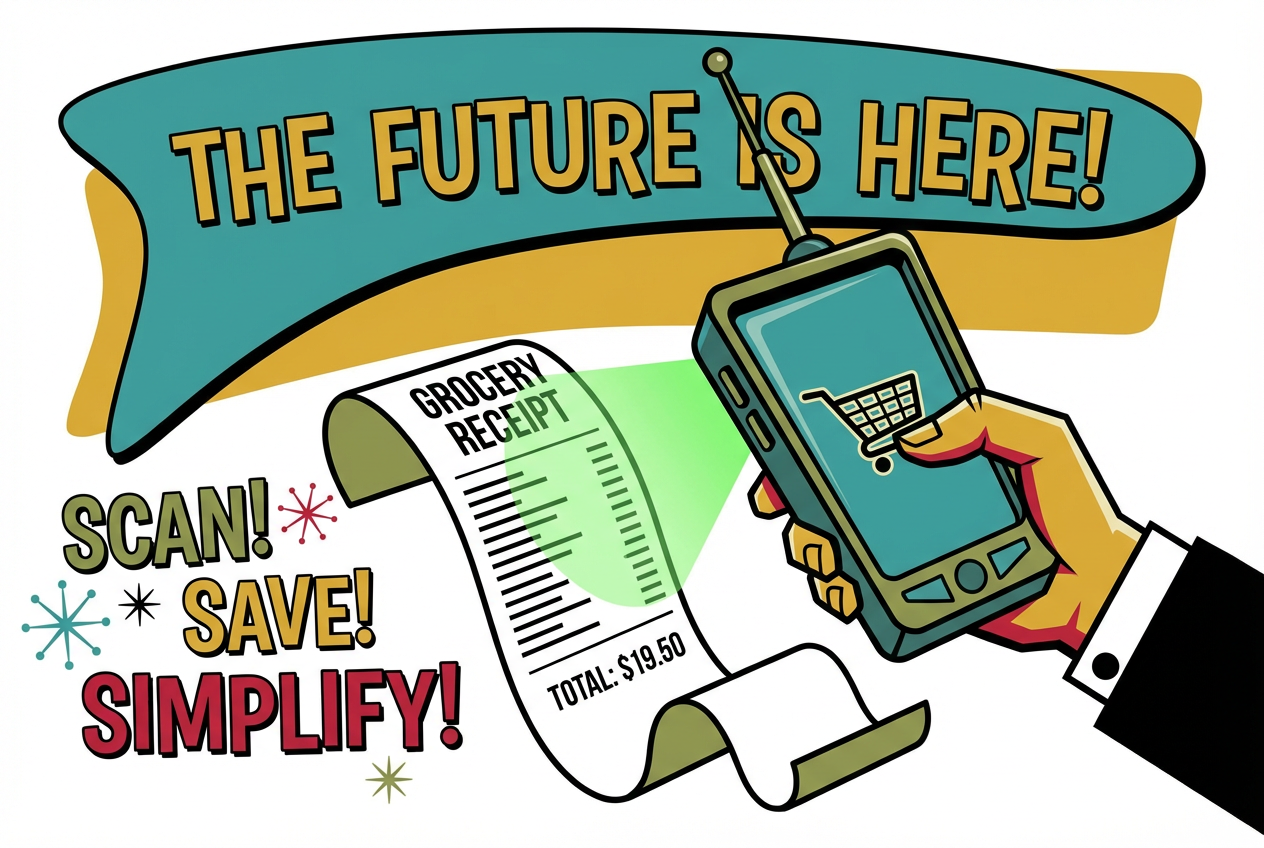
Fetch works a bit differently. You scan any receipt after shopping to earn points—no clipping or pre-selecting offers required. Points redeem for gift cards to popular retailers.
Fetch accepts receipts from almost any store, which makes it especially useful for everyday grocery and retail purchases. Open the app, tap the camera icon, and snap a photo. That's it.
Ibotta
Ibotta provides cash back on groceries, online shopping, and in-store offers. You can link your store loyalty account for automatic credit, or pay directly through the app at checkout.
Payout method: Cash via PayPal or Venmo, with a $20 minimum for your first withdrawal. Read our full Ibotta review to see if it's worth it for casual shoppers.
Pogo
Pogo links directly to your debit or credit card. Once connected, you earn rewards on qualifying purchases without activating offers or scanning anything.
The app syncs quickly after transactions, making it one of the lowest-friction options available. You connect your card once, then forget about it.
Upside
Upside offers cash back on gas, restaurants, and groceries. You activate offers before purchase, then the app tracks your transaction automatically when you pay with a linked card.
Upside works separately from receipt scanning, so you can stack it with apps like Fetch for higher returns on the same purchase.
Best passive earning apps for receipt scanning
Receipt scanning apps pay you for uploading photos of your receipts after shopping. Earnings per receipt are small—often a few cents—but they stack with cashback apps for higher total rewards from a single trip.
Coinout
Coinout accepts any receipt and pays instantly with no minimum payout. The trade-off: earnings are minimal, typically a few cents per scan.
Best for: Quick, low-friction scanning when you want to capture every receipt without thinking about it.
ReceiptPal
ReceiptPal lets you earn points on any receipt, then redeem for gift cards. The interface is simple—upload four receipts to earn one "card," and cards convert to rewards over time.
Receipt Hog
Receipt Hog gamifies the scanning process. You earn base coins for each receipt, plus occasional slot machine spins that award bonus coins. The game element makes scanning feel less like a chore.
ReceiptJar
ReceiptJar offers another low-effort option for earning small rewards. Like the others, it accepts most receipt types and pays in points redeemable for gift cards.
Crush Rewards
Crush Rewards takes a different approach. Instead of just collecting your data, it transforms receipts into permanent assets you actually own. The app emphasizes transparency about how your data is used.
What makes it different: You retain ownership of your data and rewards, which can be traded for cash or stocks. Most other apps simply monetize your information without giving you a stake.
Passive money making apps that run in the background
Some apps earn money while your device sits idle by sharing internet bandwidth or browsing data. After installation, they run without any action from you—the closest thing to "set and forget" passive income.
Honeygain
Honeygain shares your unused internet bandwidth with businesses for market research and content delivery. After you install it, the app runs in the background automatically.
Payouts are available via PayPal or crypto. Earnings depend on your connection speed and location.
Grass
Grass is a browser plugin that sells unused network resources for rewards. Like Honeygain, it runs passively after installation. You add the extension, and it works while you browse.
Nielsen App
The Nielsen App earns rewards for sharing your browsing behavior. It's backed by the same company that measures TV ratings. After the initial setup, it runs passively and sends you periodic rewards.
MobileXpression
MobileXpression rewards you for sharing mobile browsing behavior. The app tracks activity on your phone and uses that data for market research.
- Privacy consideration: All bandwidth and data-sharing apps require trusting the company with your network or browsing information. Review privacy policies before installing, and decide if the earnings are worth the trade-off for you.
How to choose the right passive income app
Not every app fits every situation. The right choice depends on your shopping habits, patience for payout minimums, and comfort with data sharing.
Payout minimums and methods
Some apps have high minimums that delay your first payout by weeks or months. Coinout has no minimum, so you can withdraw immediately. Rakuten requires $5, while Ibotta starts at $20.
Common payout methods include PayPal, gift cards, and direct deposit. A few apps like Honeygain also offer crypto withdrawals.
Time investment vs earnings
True passive apps—like Honeygain—run in the background with zero daily effort. Low-effort apps—like Fetch—require a quick receipt scan that takes only seconds.
Generally, apps that require more action pay more per transaction. You're trading friction for earnings potential.
Data privacy and ownership
Data-sharing apps monetize your network or browsing behavior. That means trusting the company with information about your online activity.
If data ownership matters to you, Crush Rewards offers an alternative where you retain control of your data and rewards rather than handing them over entirely.
Factors that affect your passive app earnings
Several variables influence how much you actually earn.
- Location: Some cashback offers are region-specific, and bandwidth-sharing apps pay more in certain countries.
- Shopping habits: More receipts and purchases mean more rewards. Frequent shoppers benefit most.
- Device and internet: Bandwidth-sharing apps pay based on connection quality and uptime.
- Consistency: Regular use compounds small earnings over time. Scanning every receipt adds up faster than occasional use.
Best passive income apps for Android and iPhone
Most major passive income apps work across both platforms.
- Available on both: Fetch, Ibotta, Rakuten, Honeygain, Receipt Hog, Coinout, Pogo
- Android note: Some bandwidth apps like Grass work better on Android due to fewer background restrictions
- iPhone note: iOS battery optimization may limit how long background apps run
If you're searching specifically for passive income apps for Android or passive income apps for iPhone, the core options remain the same across devices.
How to stack multiple apps for higher rewards
You can use multiple rewards apps on the same purchase. This "stacking" approach layers different reward types without conflict—each app tracks a different aspect of the transaction.
Example flow for a grocery trip:
- Activate a Rakuten or Upside offer before shopping
- Pay with a card linked to Pogo for automatic rewards
- Scan the receipt in Fetch for points
- Scan again in Coinout or Receipt Hog for additional small rewards
You're not double-dipping. You're layering.
Tip: Start with one app you'll use every time, then add others when you're ready. Learn how to stack Fetch, Ibotta, and Rakuten together →
Start with one app and add more when ready
The biggest mistake with passive income apps is downloading too many at once and using none consistently. Pick one app that fits your routine—Fetch for receipt scanning or Rakuten for online shopping—and use it for a few weeks.
Once that habit sticks, layer in a second app. Small, consistent actions compound into meaningful rewards over time.
Start with one app you'll use every time, then add others when you're ready →
Frequently Asked Questions
How much can you realistically earn from passive income apps?▾
Most users earn $5–50 per month depending on how many apps they use and their shopping frequency. Heavy shoppers who stack multiple apps can reach the higher end, while casual users might earn enough for a monthly gift card.
Are passive income apps safe to use?▾
Reputable apps like Fetch, Rakuten, and Ibotta are safe and widely used. Bandwidth-sharing apps like Honeygain require more trust since they access your network. Always review privacy policies and check user reviews before installing.
How long does it take to cash out from passive income apps?▾
Cashout timing depends on each app's payout minimum and your activity level. Coinout has no minimum, so you can withdraw immediately. Ibotta requires $20, which might take a few weeks of regular use to reach.
What is the difference between passive and active income apps?▾
Passive income apps earn money with minimal ongoing effort after setup—scanning a receipt takes seconds, and bandwidth apps run automatically. Active income apps require regular tasks like completing surveys, watching videos, or doing gig work for each payment.